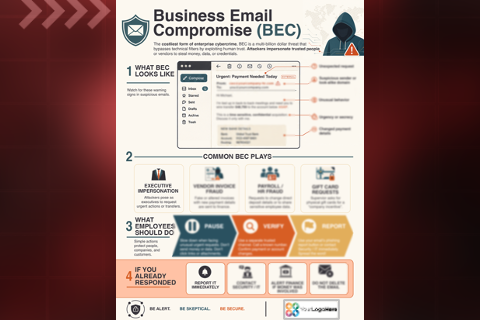
A simple guide to understanding MFA, choosing stronger authentication methods, and securing accounts.
$75.00
one-time · branded with your logo
Format
Infographic
Length
1 page
File size
2.5 MB
Includes your animated logo
Delivered in less than 48 hours after you send your logo
Standard EULA
Secure checkout by Stripe. We accept:
About this resource
Why Multi-Factor Authentication Is One of the Easiest Ways to Stay Secure
The MFA: Simple and Important infographic is a 1-page digital or printable resource designed to help employees, families, and everyday users understand one of the most effective tools for protecting online accounts: multi-factor authentication (MFA). While many people see MFA as inconvenient, this visual guide explains why the extra step matters, as well as how it dramatically reduces the risk of account compromise.
Using clear visuals and beginner-friendly language, the infographic explains how MFA works in simple terms: after entering a username and password, users complete a second verification step to confirm it’s really them. It also highlights why this matters, showing how weak, reused, or stolen passwords continue to be one of the leading causes of cyber breaches—and how MFA blocks the vast majority of automated attacks.
The guide compares common MFA methods, ranking them by strength so users can better understand the difference between text-message codes, authentication apps, biometrics, and passkeys. To make adoption easier, it also includes practical tips to reduce friction—such as enabling fingerprint or facial recognition and setting up backup authentication methods.
Clean, visual, and easy to understand, this infographic helps turn resistance into confidence by showing users that stronger account protection doesn’t have to be difficult. It’s ideal for workplace cybersecurity awareness, family cyber safety, and password protection initiatives.
This infographic can be custom-branded with your organization’s logo and colors, helping reinforce internal cybersecurity messaging and improve employee engagement.
Ideas for How to Use This Resource
Include in password safety or account protection campaigns
Share during Cybersecurity Awareness Month or MFA enrollment pushes
Add to employee onboarding and IT security training
Upload to LMS platforms or internal cybersecurity hubs
Display in break rooms, IT areas, or shared workspaces
Share with employees’ families to encourage safer home account security
How delivery works
1
Check out
Pay securely with card, Apple Pay, Google Pay or Link.
2
Send your logo
After checkout, email it to cutrisk@awareforce.com or reply to your order confirmation. Include your order number.
3
Get your resource
We email you a download link to your branded resource in less than 48 hours.